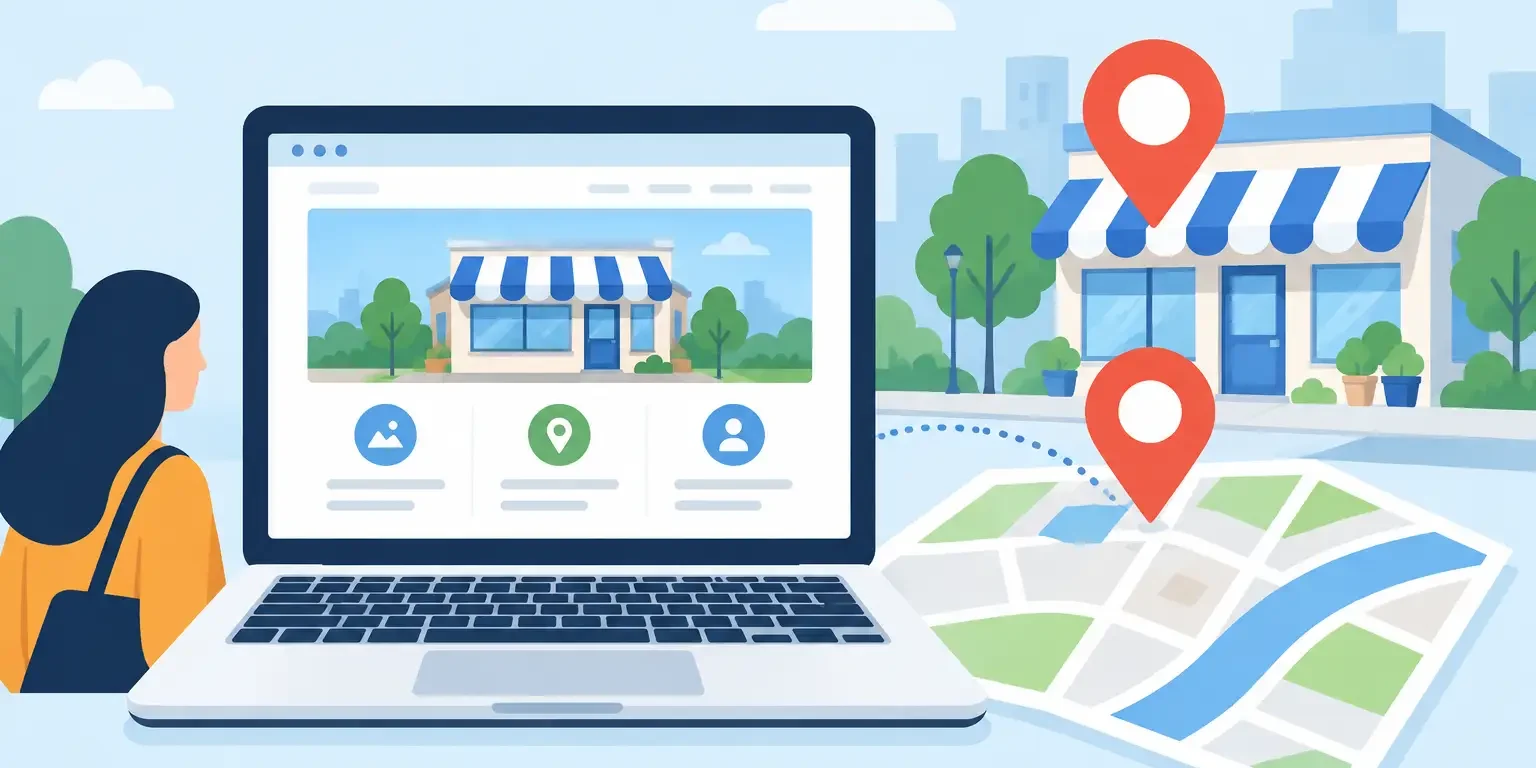
A potential customer has searched, compared a few options, and landed on your website. You have only a few seconds to show that you are credible, local, and easy to contact. That is where WordPress web design earns its keep. It is not just about choosing colors or adding a logo. It is about building a website that helps real people find your business and gives them a clear reason to call, book, or request a quote.
For a local business, a website should work like a dependable salesperson. It needs to load quickly on a phone, explain what you do without jargon, show proof that you can be trusted, and point visitors toward the next step. If it looks dated, buries your contact details, or leaves customers guessing about your services, it can send valuable leads directly to competitors.
What Good WordPress Web Design Does for Your Business
WordPress is a flexible platform, but the platform alone does not create results. The strategy behind the build matters. A strong site begins with the questions customers are already asking: What services do you provide? Which areas do you cover? How quickly can you help? Why should they choose you over the business listed above or below you in Google?
The answers should be easy to find. A visitor should not need to hunt through several pages to discover your phone number, service area, opening hours, or the type of work you handle. The best business websites remove friction. They guide customers from search result to inquiry with confidence.
That is especially important for service businesses. A homeowner looking for an electrician, a family choosing a restaurant, or a client seeking a solicitor is usually not browsing for fun. They have a need now. Your website should make the decision feel simple: here is the service, here is the evidence, and here is how to get in touch.
Start With the Goal, Not the Theme
Many businesses start their website project by choosing a template. That can be useful, but it should not be the first decision. Start with the commercial goal instead. Do you need more phone calls? More quote requests? More table bookings? More visits to your location? A website designed for those outcomes will look and behave differently from a site built simply to “have an online presence.”
For example, a trades business may need prominent call buttons, service-area pages, before-and-after photos, and a short quote form. A restaurant may need menus that are easy to read on mobile, opening hours, directions, and booking prompts. A professional firm may need clear expertise pages, team credibility, testimonials, and a private way for clients to make an inquiry.
Design follows that plan. Clean layouts, readable type, quality images, and strong calls to action are not decoration. They help a busy visitor understand what to do next.
Keep the first screen focused
The top section of each key page carries a lot of weight. It should quickly state what you offer, who you help, and where you operate. Then give the visitor one clear action, such as “Request a Quote,” “Call Now,” or “Book an Appointment.”
Too many competing buttons can weaken a page. If every item is shouting for attention, customers may do nothing. Give each page a primary purpose and support it with useful information further down.
Mobile Design Is No Longer Optional
Most local searches happen on phones, often when someone is ready to act. A website that looks fine on a desktop but is awkward on a mobile screen creates an immediate problem. Small text, hard-to-tap buttons, slow images, and forms that demand too much information all cost leads.
Mobile-responsive WordPress web design means more than shrinking a desktop page. It means arranging the page for a thumb-sized screen and a short attention span. Contact buttons should be obvious. Forms should be brief. Important information should appear before long blocks of text. Images should support the message, not delay the page.
Speed matters here too. A heavy homepage with oversized images, unnecessary animations, and dozens of add-ons may look impressive in a design preview, but it can frustrate customers using mobile data. There is a trade-off: visual flair has value, but not when it prevents someone from reaching your phone number. Fast, clear, and useful usually wins.
Build for Google and People at the Same Time
A good website should help customers and search engines understand your business. These are not competing priorities. In fact, the same basics often improve both: clear page titles, well-organized service pages, useful location information, descriptive headings, and original content that answers customer questions.
If you serve specific towns or neighborhoods, those areas should be represented naturally on the site. Do not cram every possible location into one paragraph. Instead, explain where you work in a genuine way and build pages where there is a real service need. A plumber serving multiple areas, for example, may benefit from focused pages that explain the relevant service and local availability.
Your Google Business Profile, reviews, local citations, and website should also tell a consistent story. When your business name, contact details, services, and service area match across your online presence, customers have fewer reasons to hesitate and Google has clearer signals to work with.
Every service deserves room to sell itself
One generic “Services” page rarely does enough. If you offer several distinct services, give each one a dedicated page. This allows you to explain the work, show examples, address common concerns, and target the search terms customers actually use.
It also creates better landing pages for paid advertising. Sending an ad for emergency repairs to a general homepage wastes intent. Send that visitor to a page about emergency repairs, with the right proof and a direct contact option. That is a more useful experience and a smarter use of your budget.
The Trust Signals That Turn Visits Into Inquiries
A polished website is helpful, but trust is built through specifics. Customers want signs that there are capable people behind the page. Real project photos, customer reviews, named team members, credentials, case examples, and straightforward contact details all help make a business feel legitimate.
Reviews deserve particular attention. A strong review profile can influence whether someone clicks through from Google, but selected testimonials on your website reinforce the decision once they arrive. Use authentic feedback that mentions the service experience, responsiveness, quality, or outcome. Vague praise is better than nothing, but detailed proof is far more persuasive.
Make it easy for visitors to contact you in the way that suits them. Some will call immediately. Others prefer a short form. Depending on the business, email, booking tools, maps, or chat can also help. The key is to manage those channels properly. There is no value in adding a contact form if inquiries sit unanswered for days.
What Should Be Included in a Business Website Build?
The exact scope depends on your business, but a practical WordPress build should cover more than the visible pages. Before launch, check that the essentials are in place:
- Mobile-responsive layouts that work across common screen sizes
- Fast, secure hosting with backups and software updates planned
- Professional email and domain setup, so the business looks established
- Clear service, location, contact, and privacy pages
- Search-friendly page structure and basic analytics tracking
- Forms, call buttons, and booking tools tested before customers see them
These details are easy to overlook when the focus is on the homepage. They are also the details that prevent avoidable problems after launch. A good agency handles the technical work, explains what matters in plain language, and leaves you with a website that supports the wider marketing plan.
Launch Fast, Then Keep Improving
A fast launch can be a major advantage when a business has no site, an outdated site, or an upcoming campaign. But speed should not mean rushing out thin copy or untested pages. The goal is to get a focused, professional version live quickly, then improve it using real data and customer feedback.
After launch, look at which pages generate inquiries, where visitors leave, what people search for, and which services bring the best leads. You may find that one service deserves more attention, a form needs fewer fields, or a frequently asked question should become a new page. Websites should not be treated as brochures that are finished forever. They are working sales tools.
Boost Marketing builds WordPress websites around that practical reality: get your business looking credible, get it found in local search, and give customers an easy route to contact you. A website can be ready quickly, but the strongest results come when design, SEO, reviews, and ongoing visibility all pull in the same direction.
If your current site is not generating calls, quotes, or bookings, do not settle for a prettier version of the same problem. Start with what your customers need to know, make the next step obvious, and build from there.